The website is the product
The desk is the main app. The Chrome extension is the second way in. Telegram is coming soon. Android is in testing. Windows is coming soon.
 VALHALLA™
Get started
VALHALLA™
Sign up, open the desk, and run a paper bot on live prices. Keys stay on your device. This is not financial advice.
Demo data
BENEFITS
The desk is the main app. The Chrome extension is the second way in. Telegram is coming soon. Android is in testing. Windows is coming soon.
Start and Stop run a paper bot on live prices. Live-money trading stays off until you choose it later.
Valhalla does not hold a seed phrase or a private key. It does not take custody of funds.
Safety checks, a chat with your bot, and a paper lab. No promise of profit.
HOW IT WORKS
01
A human check, the terms, then email or Google. No wallet on this page.
02
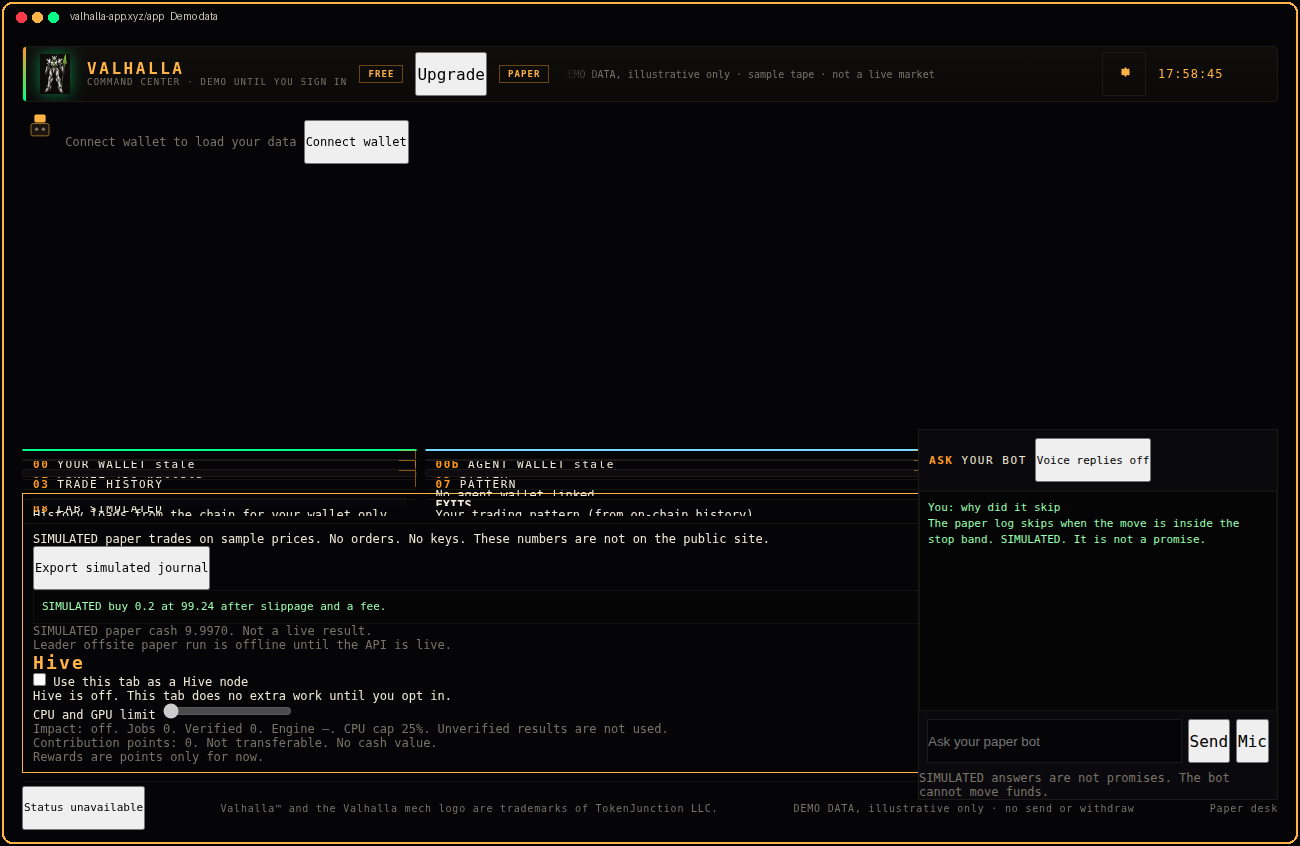
The desk is a separate page. The preview on this page is a picture, not a live bot.
03
Tick the risk notice and press Start. The run is simulated. It does not send an order.
FEATURES
Panels for your wallet, the agent wallet, and bot control.
A docked chat. It can explain a paper skip. It cannot move funds.
A public look at mint and freeze authority. Not advice.
Simulated tests. Every result is labeled simulated.
Optional. Off until you opt in. This tab only.
No seed phrase. No private key. No deposits held here.
PRICING
The website desk and paper mode, with ads. Not a promise of profit.
$9.99 a month at the launch price. A 15 day trial is included. Ads come off. Not a promise of profit.
Get startedTRUST
Valhalla does not ask for a seed phrase. Support will not ask for one. Crypto is risky. You can lose money. Sample screens are demo data. Past or sample results do not predict future results.
FAQ
The website desk. The Chrome extension is second.
START
No list is connected yet. This form will not pretend you were added.