CHROME

Add Valhalla to Chrome

Use a computer. Chrome on Android cannot install extensions.

Add to Chrome

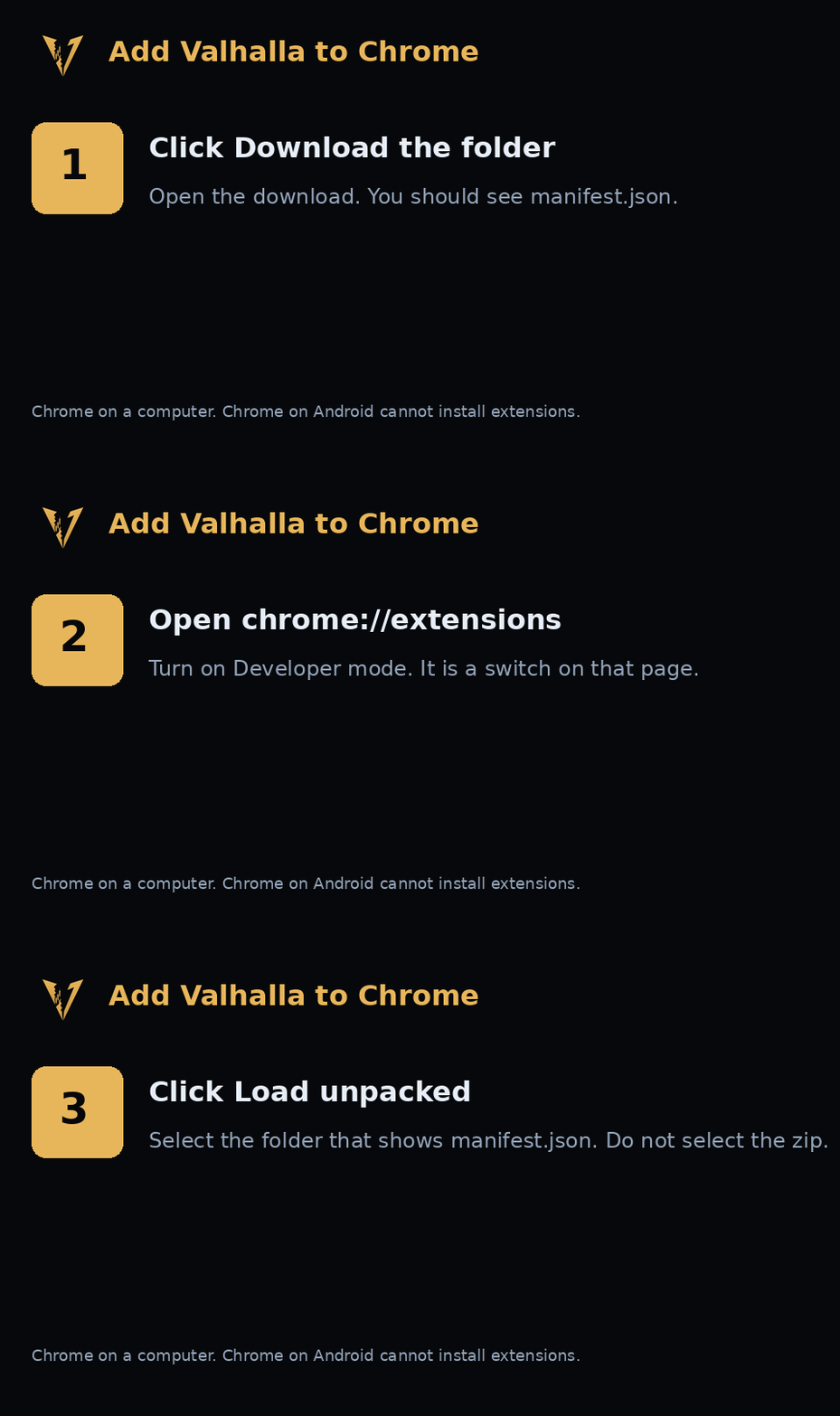
The Chrome Web Store link is not set yet. Follow the three pictures. The button above does not download a file. After the store listing is live, Chrome updates the extension by itself.

Three steps. Download the folder, open chrome://extensions, then Load unpacked.

1. Download the folder
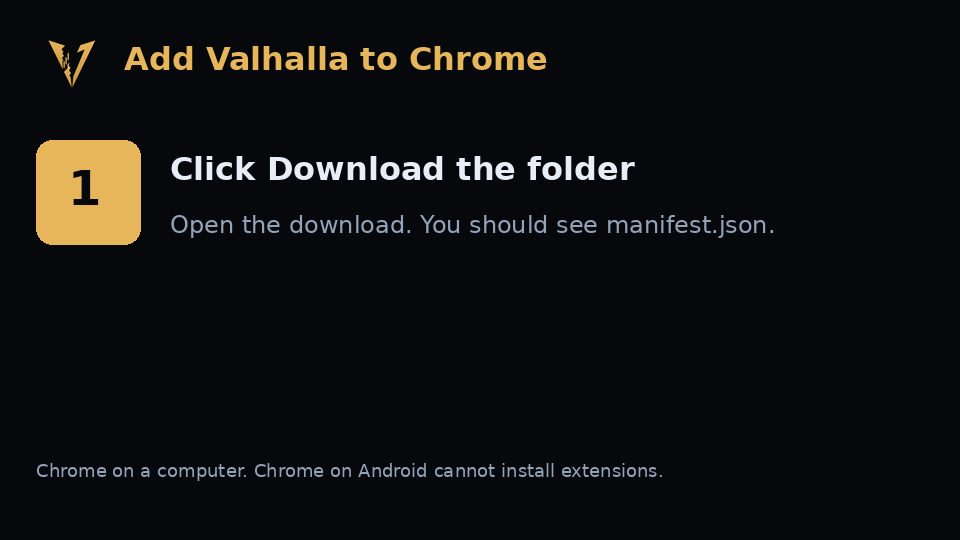
Step 1. Download the folder and open it until you see manifest.json.

Click the button. Open the download. You should see a file named manifest.json. If you see a zip, double-click it once. Do not look for a second folder inside.

Download the folder

The same files are already unpacked in this folder list. A website cannot place a folder on your computer, so the button is that folder in one open.
2. Open the extensions page

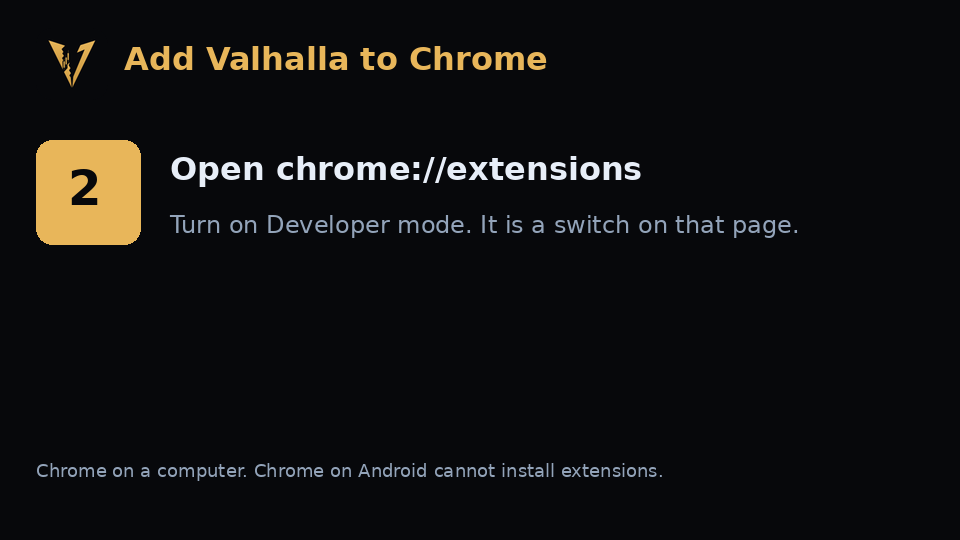
Step 2. Open chrome://extensions and turn on Developer mode.

Type chrome://extensions in the address bar. Turn on Developer mode.

3. Load the folder

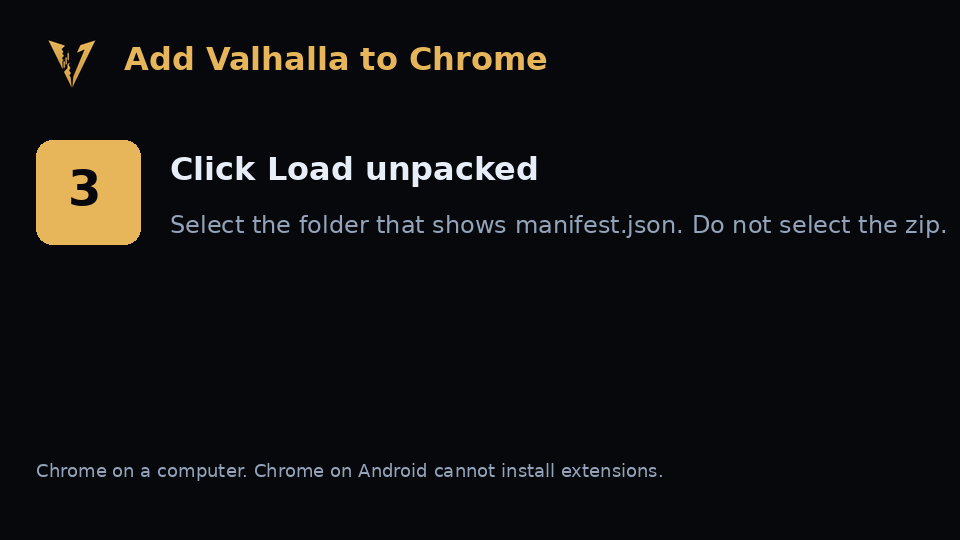
Step 3. Choose Load unpacked and select the folder with manifest.json.

Click Load unpacked. Select the folder that shows manifest.json. Do not select the zip. The extension is read-only. It cannot send or withdraw.

Back to Valhalla